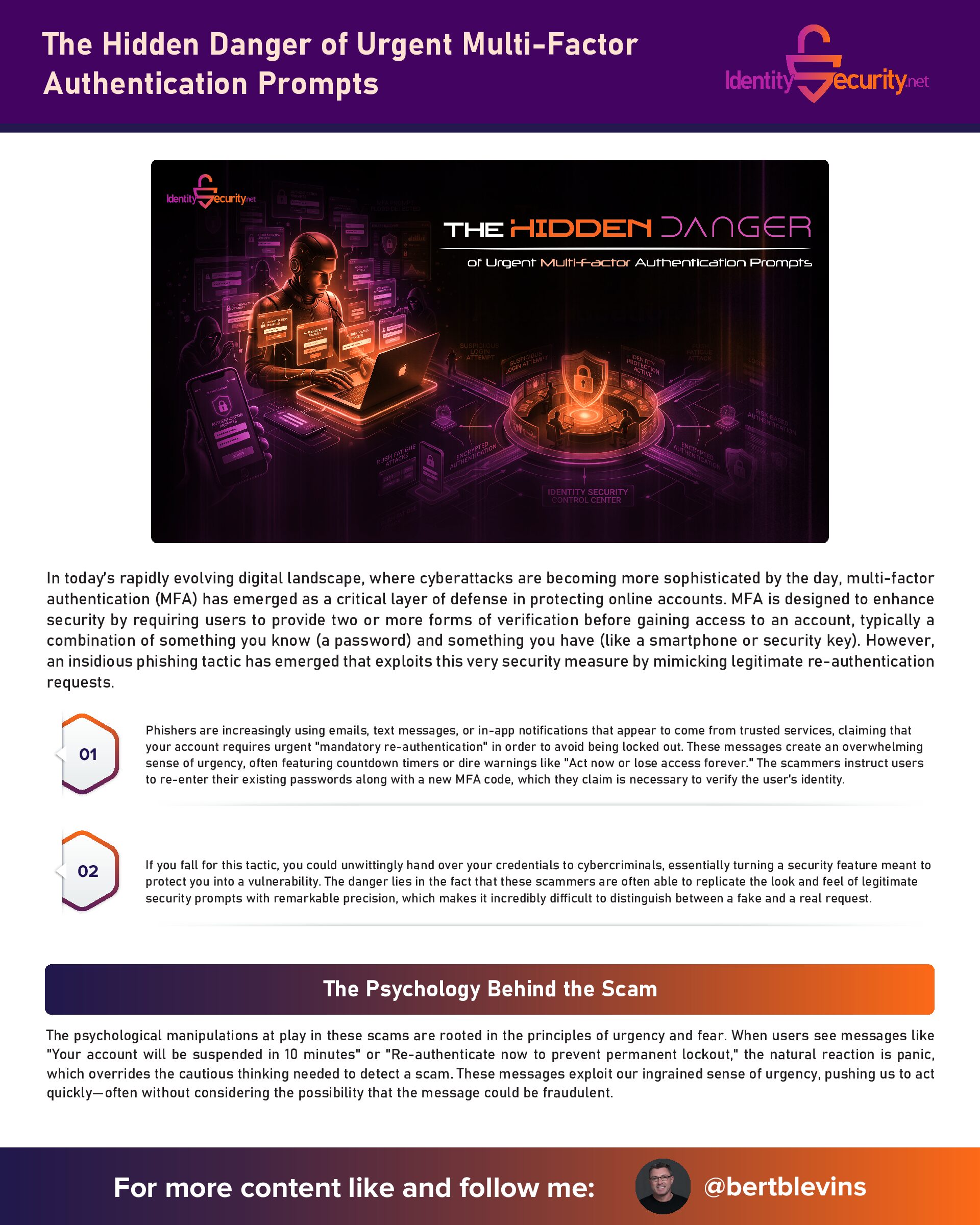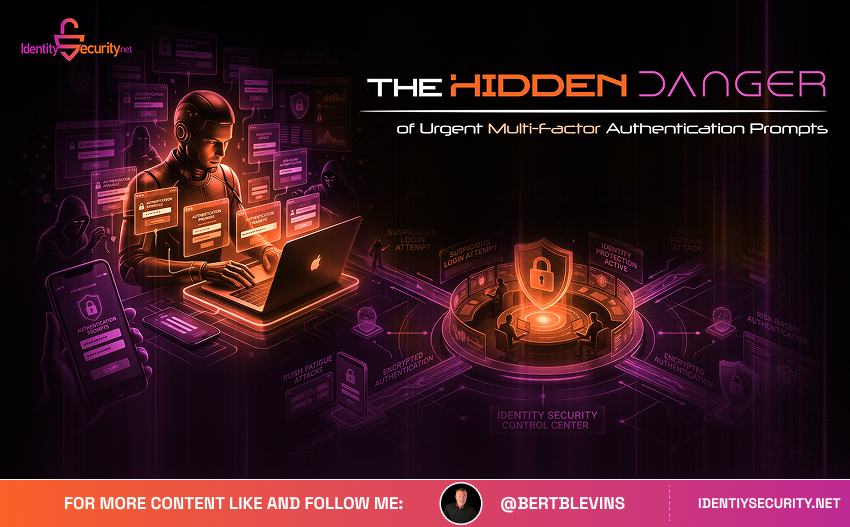
The Hidden Danger of "Urgent" Multi-Factor Authentication Prompts
In today’s rapidly evolving digital landscape, where cyberattacks are becoming more sophisticated by the day, multi-factor authentication (MFA) has emerged as a critical layer of defense in protecting online accounts. MFA is designed to enhance security by requiring users to provide two or more forms of verification before gaining access to an account, typically a combination of something you know (a password) and something you have (like a smartphone or security key). However, an insidious phishing tactic has emerged that exploits this very security measure by mimicking legitimate re-authentication requests.
Phishers are increasingly using emails, text messages, or in-app notifications that appear to come from trusted services, claiming that your account requires urgent “mandatory re-authentication” in order to avoid being locked out. These messages create an overwhelming sense of urgency, often featuring countdown timers or dire warnings like “Act now or lose access forever.” The scammers instruct users to re-enter their existing passwords along with a new MFA code, which they claim is necessary to verify the user’s identity.
If you fall for this tactic, you could unwittingly hand over your credentials to cybercriminals, essentially turning a security feature meant to protect you into a vulnerability. The danger lies in the fact that these scammers are often able to replicate the look and feel of legitimate security prompts with remarkable precision, which makes it incredibly difficult to distinguish between a fake and a real request.
The Psychology Behind the Scam
The psychological manipulations at play in these scams are rooted in the principles of urgency and fear. When users see messages like “Your account will be suspended in 10 minutes” or “Re-authenticate now to prevent permanent lockout,” the natural reaction is panic, which overrides the cautious thinking needed to detect a scam. These messages exploit our ingrained sense of urgency, pushing us to act quickly—often without considering the possibility that the message could be fraudulent.
It’s important to note that legitimate services—whether it’s a bank, email provider, or online retailer—rarely demand the immediate re-entry of passwords through unsolicited links or pop-up notifications. In fact, the most common and secure form of re-authentication involves time-based codes sent via an authenticator app or SMS. When scammers force users to input their current password on a fake website, they bypass MFA entirely by stealing the password and using it to gain unauthorized access to the real platform. This tactic plays on the principle of social engineering, where the attacker exploits human psychology (in this case, panic and haste) to prompt users to make a decision they would not normally make under less stressful circumstances.
A Major Red Flag: Requests for Your Existing Password
One of the most significant red flags when dealing with MFA re-authentication prompts is the request to re-enter your existing password. Authentic MFA re-verification typically involves a fresh code from your authenticator app or device, and it will never ask for your static password on a third-party page. If a website asks you to input your current password, you can be fairly certain it’s a phishing attempt.
One of the most significant red flags when dealing with MFA re-authentication prompts is the request to re-enter your existing password. Authentic MFA re-verification typically involves a fresh code from your authenticator app or device, and it will never ask for your static password on a third-party page. If a website asks you to input your current password, you can be fairly certain it’s a phishing attempt.
Reports from cybersecurity firms, such as Proofpoint, have highlighted the surge in these types of phishing campaigns, particularly those targeting high-profile services like Microsoft 365 and Google Workspace. These types of phishing attacks often result in account compromises that can extend beyond the immediate victim, affecting businesses and individuals alike.
The Consequences: What Happens After the Attack
The implications of falling victim to one of these MFA phishing scams extend far beyond the immediate theft of login credentials. When a hacker gains access to your account, they can use those credentials in credential-stuffing attacks, where the stolen password is tested across multiple websites and services to see if it matches any other accounts. If successful, this can lead to identity theft, financial loss, or ransomware attacks. These cybercriminals use automated tools to try stolen credentials on hundreds or even thousands of websites, often resulting in significant damage to the victim’s online identity.
In 2024, the FBI reported over $12 billion in losses due to business email compromise (BEC), many of which began with phishing scams that used fraudulent MFA prompts. The recovery process for victims is often lengthy and complex, involving resetting passwords, monitoring credit, dealing with unauthorized transactions, and repairing their online reputations. For businesses, the breach of a single executive or administrator account can expose sensitive data, leading to regulatory fines, loss of customer trust, and even class-action lawsuits under privacy laws like the General Data Protection Regulation (GDPR).
Additionally, for many victims, the process of recovery and dealing with the emotional and financial fallout can be draining. The stolen information may be used to open new accounts or make unauthorized purchases, adding further complications for the victim in terms of both finances and time spent on remedial actions.
Protecting Yourself: Practical Steps to Avoid Scams
The best defense against these types of MFA phishing scams is adopting a “zero-trust” approach to online security. Here’s how you can protect yourself:
1. Verify Requests Through Official Channels: Never click on links in unsolicited emails or text messages. Instead, go directly to the official website or app by typing the URL into your browser. This ensures that you are accessing the legitimate platform and not a phishing site.
2. Enable Hardware-based MFA: Hardware keys, such as Yubico’s security keys, are much harder to phish because they require physical access to the device. These are a more secure option than software-based methods like SMS or email-based MFA codes.
3. Familiarize Yourself with Provider Policies: Knowing your service provider’s MFA procedures can help you spot fraudulent requests. For example, Apple’s support page clearly states that it will never ask for your password via email. Educate yourself about these policies so you can easily spot when something is off.
4. Pause and Contact Support: If a service prompts you to act immediately, don’t rush to comply. Pause, think critically, and contact the provider’s support team using verified contact details, such as a phone number found on the official website.
5. Use Phishing Protection Tools: Password managers often come with built-in phishing protection, warning you when you attempt to log in to a fraudulent site. Additionally, browser extensions like uBlock Origin can help block known phishing sites.
6. Report Suspicious Activity: If you suspect that you have encountered a phishing attempt, report it immediately to the service provider. The faster the issue is flagged, the less damage a scammer can cause.
Empowering Yourself and Others: Awareness is Key
Ultimately, awareness is your strongest weapon in defending against MFA phishing scams. By understanding how these scams work and recognizing that legitimate security prompts never demand rushed password re-entry, you can significantly reduce the risk of falling victim to these attacks.
It’s also important to share this knowledge with friends, family, and colleagues. Phishing attacks are increasingly common, and building collective resilience against these threats is a vital part of cybersecurity hygiene. In a world where the digital threat landscape is constantly shifting, staying vigilant against phishing and other social engineering attacks ensures your online accounts remain secure and your personal information stays safe.
By taking proactive steps to protect your accounts and educate those around you, you not only safeguard your own digital life but also contribute to a more secure online environment for everyone. In the ongoing arms race between cybercriminals and those they target, knowledge and vigilance are your most powerful defenses.