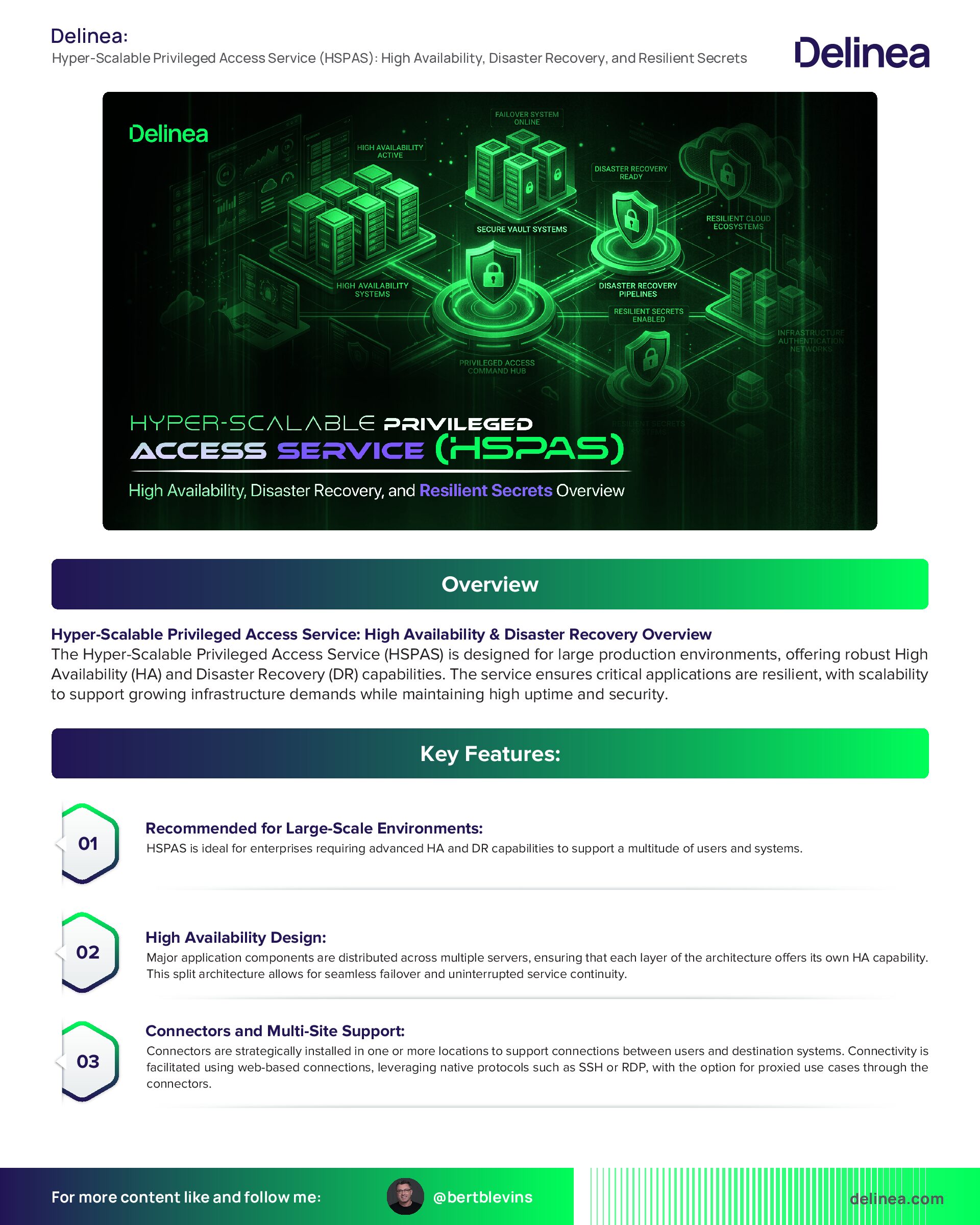
Hyper-Scalable Privileged Access Service (HSPAS): High Availability, Disaster Recovery, and Resilient Secrets Overview
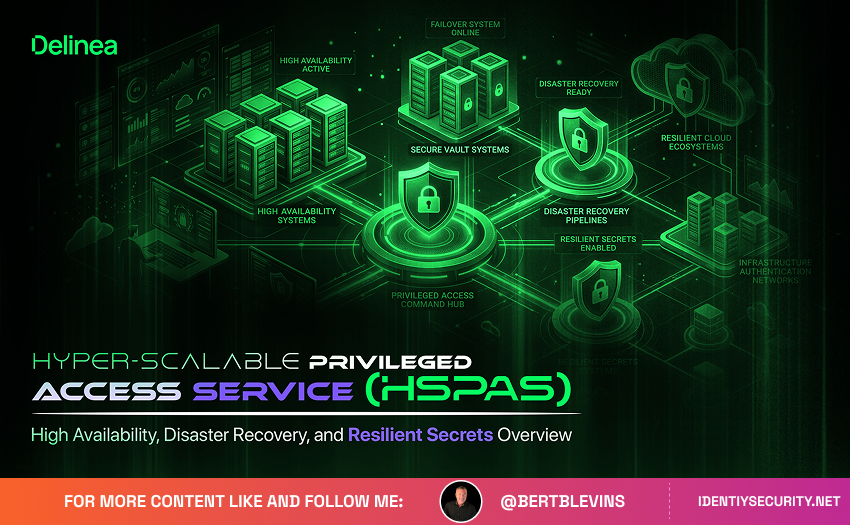
The Hyper-Scalable Privileged Access Service (HSPAS) is designed for large production environments, offering robust High Availability (HA) and Disaster Recovery (DR) capabilities. The service ensures critical applications are resilient, with scalability to support growing infrastructure demands while maintaining high uptime and security.
Key Features:
- Recommended for Large-Scale Environments: HSPAS is ideal for enterprises requiring advanced HA and DR capabilities to support a multitude of users and systems.
- High Availability Design: Major application components are distributed across multiple servers, ensuring that each layer of the architecture offers its own HA capability. This split architecture allows for seamless failover and uninterrupted service continuity.
- Connectors and Multi-Site Support: Connectors are strategically installed in one or more locations to support connections between users and destination systems. Connectivity is facilitated using web-based connections, leveraging native protocols such as SSH or RDP, with the option for proxied use cases through the connectors.
- Disaster Recovery Location: A disaster recovery location may have servers pre-configured and ready to be activated in case of a primary system failure. These servers are considered "cold" standby systems, meaning they are not actively running but can be brought online manually when necessary. The load balancer will redirect traffic to the DR location only after all components are online and fully operational.
- Manual Failover Process: HSPAS includes some constraints when dealing with multi-site deployments, particularly concerning the integration with Redis. In case of failover, a manual intervention may be required to modify installations and redeploy nodes. While the servers at the DR site can be prepared for activation, this process may affect the Recovery Time Objective (RTO) and Recovery Point Objective (RPO), impacting how quickly the system recovers and the data loss tolerance.
System Requirements for Optimal Performance:
1. Application, Web, Logging, and Relay Layers:
- 8 Core CPU
- 8 GB RAM
2. Connector Layer:
- 4 Core CPU
- 16 GB RAM
3. PostgreSQL Database:
- 8 Core CPU
- 32 GB RAM
4. Redis Cache:
- 8 Core CPU
- 32 GB RAM
5. Management Server:
- Minimal specifications are required. The management server does not need to be a new, high-performance system but should be capable of managing the operational components of the service.
Conclusion:
The Hyper-Scalable Privileged Access Service offers a highly available, disaster-resilient solution suitable for large enterprises with stringent uptime and security requirements. While the architecture supports failover capabilities, careful attention to system design and configuration, especially with Redis and multi-site implementations, is crucial for maintaining desired RTO and RPO goals.
Hyper-Scalable Privileged Access Service: High Availability Single Site
The Hyper-Scalable Privileged Access Service (HPA) with High Availability (HA) Single Site configuration is designed to support large-scale, mission-critical production environments. It ensures seamless access to privileged systems, with enhanced reliability, scalability, and security, optimized for robust and high-demand operational needs.
Key Features:
- Target Environment: Ideal for large production environments that require continuous availability and high scalability.
- Scalable Architecture: The system components are strategically split across independent servers. Additional nodes are incorporated at various layers to enhance the availability (HA) and performance.
- Multi-Location Connectivity: The connectors, which play a vital role in system communication, can be installed in one or more physical locations to ensure redundancy and fault tolerance.
- Proxy Use Cases: The service facilitates web-based connections between users and their destination systems. For secure communication, native SSH or RDP clients are utilized to connect through the proxy, ensuring the integrity of privileged access.
System Requirements
To ensure optimal performance and scalability, the following system specifications are recommended:
- Application, Web, Logging, and Relay Layers:
- 8 Core Processor
- 8 GB RAM
- Connector:
- 4 Core Processor
- 16 GB RAM
- Postgres Database:
- 8 Core Processor
- 32 GB RAM
- Redis Cache:
- 8 Core Processor
- 32 GB RAM
- Management Server:
- Can be hosted on a system with minimal specifications and does not require a dedicated server.
This configuration guarantees high availability and scalability, offering flexibility for growing environments while ensuring that critical systems remain accessible and secure under all conditions.
Setting Up Resilient Secrets with the Delinea Platform: A Comprehensive Guide
Overview of Resilient Secrets
Resilient Secrets is a key feature in the Delinea Platform that ensures organizations can protect and recover their IT infrastructure and data, playing a crucial role in an overall disaster recovery strategy. It offers protection by replicating critical secrets and data across different environments (Cloud and On-Premises), ensuring that your systems remain resilient in case of disruptions. This functionality does not serve as a complete failover feature or a substitute for a comprehensive business continuity plan.
Prerequisites for Setting Up Resilient Secrets
1. Delinea Platform Integration with Secret Server
- Customers with the Delinea Platform integrated with Secret Server (Cloud) post-November 2023 are automatically set up.
- Legacy customers who upgrade must manually integrate both systems.
- New Secret Server On-Premises customers who purchase the Delinea Platform for PRA can manually upgrade.
2. Replica Secret Server Instance
- An additional replica instance (either Cloud or On-Premises) of Secret Server is required, which is not connected to other Delinea Platform instances.
- Customers can opt for multiple replica instances for added redundancy, with the same configuration requirements as the source instance.
How Resilient Secrets Work
Resilient Secrets copy data from the source Secret Server to the replica. This ensures that the replica instance is continuously updated with the latest secrets and configurations. Both Cloud and On-Premises configurations are identical in their setup and function, simplifying deployment across different environments.
Figure 3: Resilient Secrets Replication Flow Between Delinea Platform and Secret Server Instances
Here is the flow of data in the Resilient Secrets process:
1. Encrypted Connection: Both the Delinea Platform and Secret Server instances communicate through encrypted channels.
2. Data Transfer: The source Secret Server instance pushes data to the replica via this secure channel.
3. User Authentication: Users log into the replica instance either through Delinea Platform credentials or, in case of failure, via SAML or local accounts.
Best Practices for Resilient Secrets
- Read-Only Mode: Replicas should operate in read-only mode, as the source instance is the sole authority for truth.
- Cloud Replicas: For added protection, place the replica in a geographically different region than the source instance to avoid simultaneous disruptions in the same area.
- On-Premises Replicas: Create local accounts on the replica to allow users to access it even during a complete service outage.
- Avoid Directory Sync: Do not set up directory sync on the replica instance, as it can cause conflicts with replication. Instead, replicate directories from the source.
- Disaster Recovery Considerations: Use RabbitMQ for site connectors on On-Premises systems to manage disaster recovery scenarios effectively.
Delinea Platform with Secret Server Cloud and Replica Cloud
- Access Continuity: If the primary Secret Server Cloud goes down, users can still access the replica Secret Server Cloud instance using their Delinea Platform credentials.
- External Sources: If using an external user source (e.g., Entra ID or Okta), users can log in to the Cloud replica, provided these services are still online. If federated login providers are down, local accounts can be used.
- Pre-Configured Local Accounts: Always create local "break glass" accounts in advance to ensure users can access the replica during a disaster.
Delinea Platform with Secret Server Cloud and Replica On-Premises
- Access Management: On-Premises replicas also respect the login settings configured in the Delinea Platform.
- Login Options: In case of a failure, administrators should ensure that the on-premises replica is configured for both Delinea Platform and local account logins.
- Network Configuration: Ensure that the On-Premises replica has outbound rules allowing traffic to the Cloud source over port 443 (HTTPS).
On-Premises Replica Authentication Methods
- Delinea Platform Login: Configure SAML for federated login sources such as Active Directory Federation Services (ADFS).
- Federated Login: During an outage, users can still log into the replica if the replica has been set up to accept federation services. However, if the source is unavailable, only local accounts will work.
Configuration Steps for Resilient Secrets
1. Single Delinea Platform & Secret Server Cloud Instance: Ensure only one instance of Secret Server Cloud is connected to the Delinea Platform at any time.
2. Secret Server Cloud & Replica Configuration: The replica instance must follow the same configuration as the primary instance, and no special setup is needed for connecting a Cloud replica to the Delinea Platform.
3. Setting Up for Disaster Recovery: Configure both the source and replica to accept SAML or local accounts as failover login methods. For Cloud replicas, create these accounts in advance to avoid access issues during a service interruption.
Frequently Asked Questions (FAQs)
1. How is the Secret Server Primary Source connected to Delinea Platform?
- It connects via an encrypted connection set in the Delinea Platform's settings.
2. Is Resilient Secrets licensed separately?
- Yes, each Secret Server instance must be licensed separately. Resilient Secrets functionality depends on Secret Server, with the option to add additional replica instances as needed.
3. What happens if two Delinea Platform instances are connected to separate Secret Server Clouds?
- This configuration is unsupported as only one Delinea Platform instance can connect to a single Secret Server Cloud.
4. How do I ensure login access when the Delinea Platform is unavailable?
- You can log into the replica using SAML or local accounts, which should be pre-configured on the replica before a disaster occurs.
5. How can I set up a Replica for Disaster Recovery (DR) in a multi-node environment?
- Ensure that all nodes can access a shared directory and that network rules are configured to allow traffic between them.
Conclusion
Setting up Resilient Secrets on the Delinea Platform ensures that your organization’s critical secrets are continuously protected, even during unforeseen outages. Following best practices for replica configuration and authentication methods will ensure high availability and disaster recovery readiness.