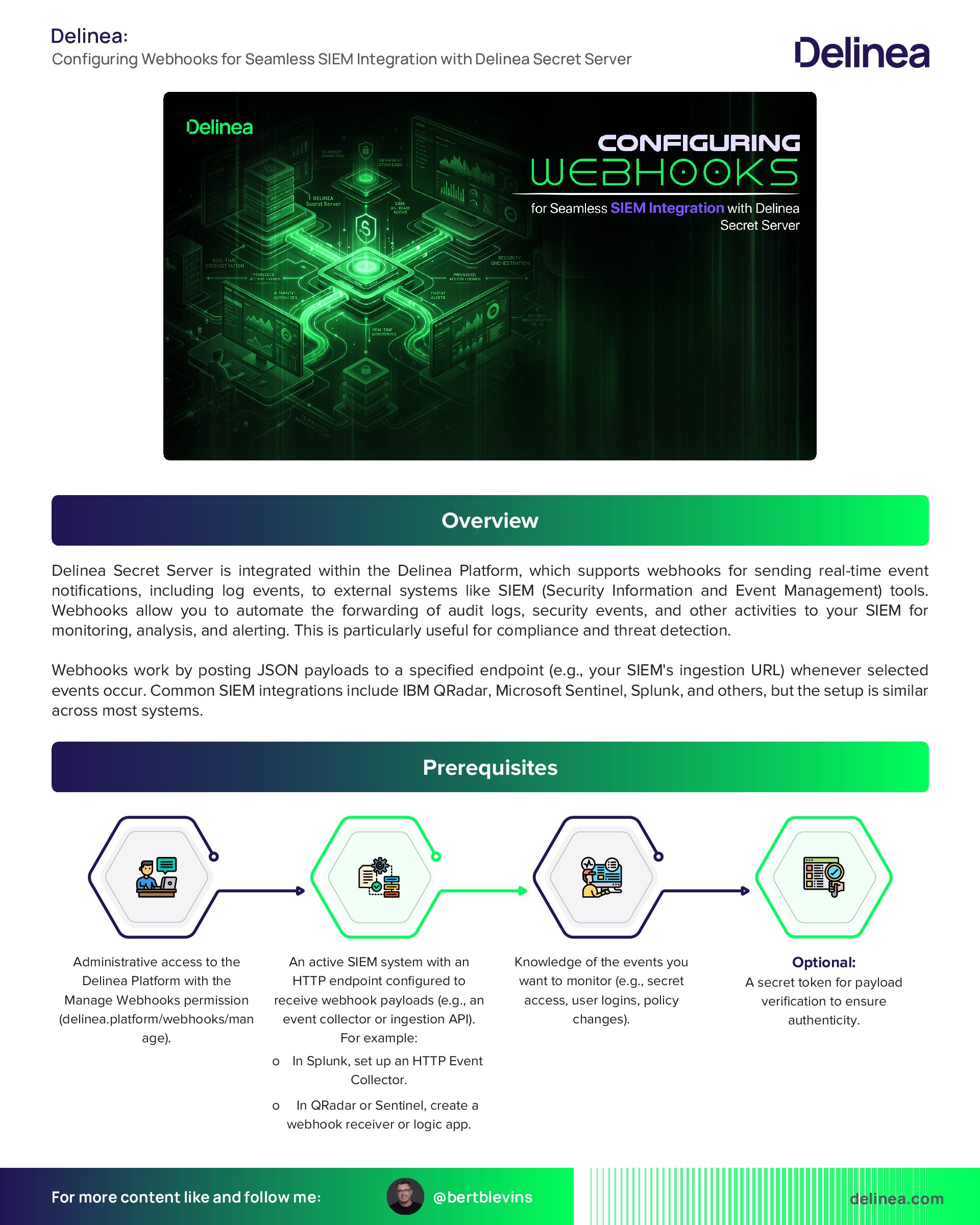
Configuring Webhooks for Seamless SIEM Integration with Delinea Secret Server
Overview
Delinea Secret Server is integrated within the Delinea Platform, which supports webhooks for sending real-time event notifications, including log events, to external systems like SIEM (Security Information and Event Management) tools. Webhooks allow you to automate the forwarding of audit logs, security events, and other activities to your SIEM for monitoring, analysis, and alerting. This is particularly useful for compliance and threat detection.
Webhooks work by posting JSON payloads to a specified endpoint (e.g., your SIEM’s ingestion URL) whenever selected events occur. Common SIEM integrations include IBM QRadar, Microsoft Sentinel, Splunk, and others, but the setup is similar across most systems.
Prerequisites
- Administrative access to the Delinea Platform with the Manage Webhooks permission (delinea.platform/webhooks/manage).
- An active SIEM system with an HTTP endpoint configured to receive webhook payloads (e.g., an event collector or ingestion API). For example:
- In Splunk, set up an HTTP Event Collector.
- In QRadar or Sentinel, create a webhook receiver or logic app.
- Knowledge of the events you want to monitor (e.g., secret access, user logins, policy changes).
- Optional: A secret token for payload verification to ensure authenticity.
Steps to Implement Webhooks for SIEM Log Events
Follow these steps to create and configure a webhook in the Delinea Platform to output log events to your SIEM.
1. Prepare Your SIEM Endpoint:
- Log in to your SIEM tool and create a new webhook receiver or event ingestion endpoint.
- Generate or note the endpoint URL (e.g., https://your-siem.example.com/webhook-ingest).
- If required, configure authentication (e.g., API key or token) and note any custom headers needed (e.g., Authorization: Bearer YOUR_TOKEN).
- Test the endpoint to ensure it can receive POST requests with JSON payloads.
2. Navigate to the Webhooks Section in Delinea Platform:
- Log in to the Delinea Platform.
- Go to Settings > General settings > Webhooks. This opens the Webhooks page with tabs for Webhooks (list of configurations) and Logs (execution history).
3. Create a New Webhook:
- Click Create Webhook to open the configuration form.
- Fill in the basic details:
4. Define Event Triggers:
- Specify which events will trigger the webhook to send data to the SIEM:
- This ensures only pertinent log events are sent, optimizing for SIEM ingestion.
5. Add Custom Headers (Optional but Recommended for SIEM):
- If your SIEM requires authentication or specific metadata:
- This is crucial for secure integrations with SIEMs like QRadar or Sentinel.
6. Configure Payload Verification (Recommended for Security):
- On the webhook creation page or via Settings > General settings > Webhooks > Verify Webhook, generate a secret token.
- Copy and store it securely.
- In your SIEM's ingestion logic, implement verification to check the X-Token header against a computed hash of the payload using the token. This prevents tampering.
- Example Python code for verification (adapt to your SIEM's scripting):
- text
- import base64
- import hashlib
- import hmac
- import json
- def verify_signature(payload_body: dict, secret_token: str, signature_header: str):
- if not signature_header:
- raise ValueError("Signature header missing!")
- payload = json.dumps(payload_body).encode("utf-8")
- signature = base64.b64decode(signature_header)
- digest = hmac.new(secret_token.encode("utf-8"), msg=payload,
- digestmod=hashlib.sha256).digest()
- if not hmac.compare_digest(digest, signature):
- raise ValueError("Signatures don't match!")
- ```
7. Save and Test the Webhook:
- Click Save to create the webhook.
- From the Webhooks list, select your new webhook, click the Actions dropdown, and choose Test Webhook.
- This sends a sample payload to your SIEM endpoint. Check your SIEM logs to confirm receipt and proper parsing.
- If it fails, review the Logs tab for errors (e.g., connection issues or invalid headers) and adjust accordingly.
8. Monitor and Manage the Webhook:
- Return to the Webhooks page to view the list, including status (Enabled/Disabled), last run status (Success/Failed), and creation details.
- Use the Logs tab to monitor sent events: Filter by name, status, or timestamp.
- Download logs if needed: Click Download, specify records, file name, and date format.
- To edit: Select the webhook and click Edit.
- To delete: Use the Actions dropdown.
- Regularly review logs for delivery failures and update configurations as your SIEM or security needs change.
Best Practices for SIEM Integration
- Event Filtering: Start with a narrow set of events to avoid overwhelming your SIEM; expand as needed.
- Security: Always use HTTPS for the endpoint URL and enable payload verification to ensure data integrity.
- Troubleshooting: If events aren't appearing in SIEM, check Delinea logs for HTTP response codes, verify SIEM permissions, and ensure no firewalls block traffic.
- Alternatives if Needed: If webhooks don't fit, Delinea also supports Syslog/CEF logging for SIEM, but webhooks provide more real-time, event-driven flexibility.
- Testing in Production: After initial setup, simulate real events (e.g., access a secret) to verify end-to-end flow.
This setup should enable seamless log event forwarding from Delinea Secret Server to your SIEM via webhooks. If your SIEM has specific requirements (e.g., custom JSON mapping), refer to its documentation or Delinea’s integration guides for tools like QRadar or Sentinel.